Most wrong electricity bills do not start with a faulty meter or a hidden tariff. They start with a wrong number: a digit mis-typed by a meter reader, a reading entered against the wrong consumer, or an estimated figure quietly marked "E". And because almost nobody checks, these errors get paid — month after month.
The fix is a five-minute habit you can do on every bill, before you pay anything. Walk to your meter, read the digits, compare them with the bill, and run one simple arithmetic test. This article gives you the exact steps, the difference between digital and analog meters, and what to do when the numbers do not match.
The habit matters most in the month the bill lands. When the total is double, nobody reaches for a calculator — they reach for the phone to complain. But the meter outside already contains the answer: if its reading matches the bill, the problem is about the days, the slabs, or the arrears — not the meter. The five-minute check tells you which battle you are in.
Why Readings Go Wrong
Readings fail in a handful of predictable ways. The most common is a mis-typed digit — a reader types 6 instead of 0, or drops a digit from a long reading, and the bill silently bills for more units than you used. Next is interchange: two neighbouring consumers' readings swapped in the reader's handheld device, as happened in the documented KSEB case where each household received the other's bill. Then there is the estimate: when no reading is taken at all, the discom bills on the average of your past usage and marks it "E".
There is also the silent category error — the bill priced at commercial rates when your connection is domestic. It is not a reading error, but it is caught by the same five-minute habit, because it shows up as a units-per-day figure that looks fine while the rupee total still looks wrong.
Getting into the habit matters more than getting it perfect. A mis-typed digit, a swapped connection, or an estimated figure all look identical from the rupee total alone — yet each carries a different response. One photograph and one comparison, repeated every month, is the difference between clearing the bill and fighting the meter.
The 5-Minute Check, Step by Step
- Find your meter. It lives in a meter box on an outside wall, on a pole, or in the common area of an apartment building. Most households never look at it — until today.
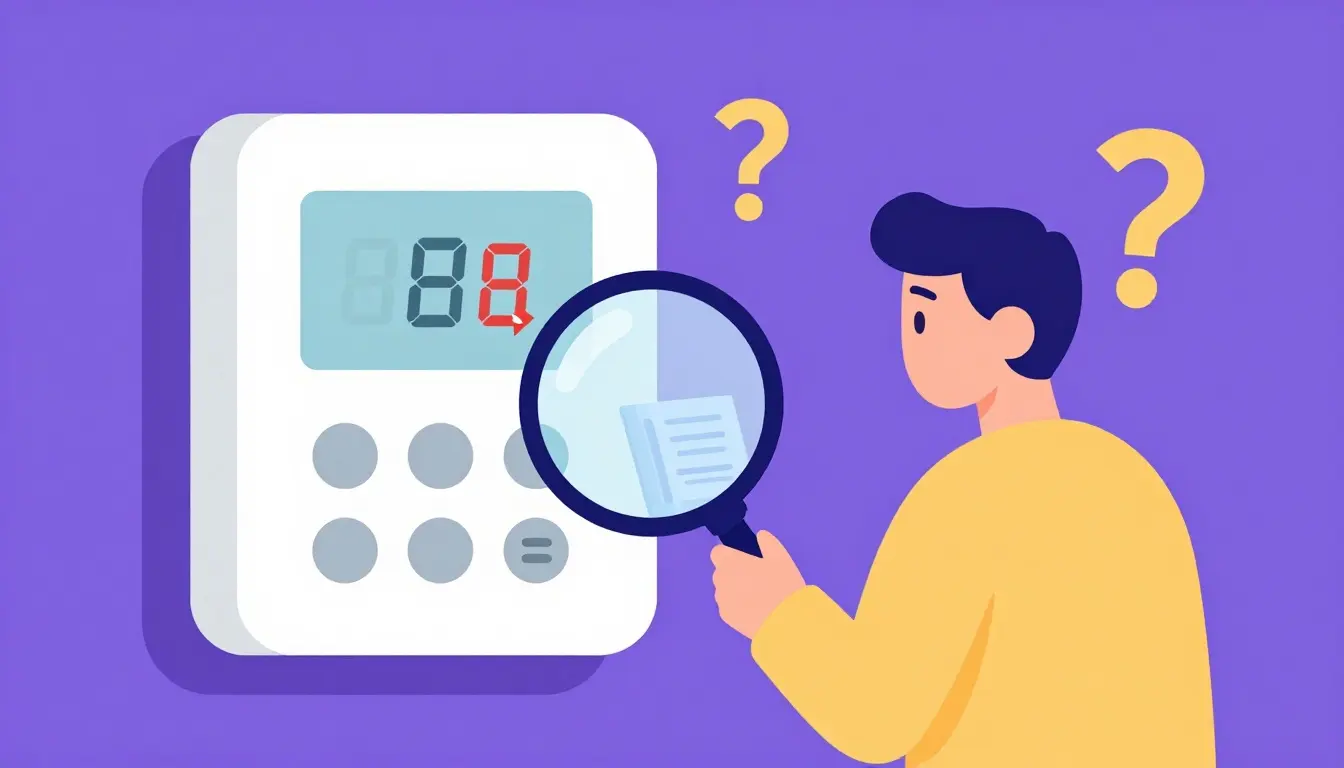
- Read the whole-number digits. On an analog meter, read the five black dials left to right, ignoring the red dial that spins with small loads. On a digital meter, note the kWh figure; ignore anything after the decimal or the last digit that changes on its own.
- Compare with the bill. Find the "current reading" line on the bill and compare it with the meter. They should be within a few units of each other, since the reading is taken on or around the billing date.
- If they differ by more than a few units, photograph the meter. Make the date visible — hold your phone so the clock shows, or take a screenshot with a date overlay. A dated photo is the single strongest piece of evidence in any billing dispute.
- Check the billing dates. A bill covering 40 days legitimately shows more units than a 30-day bill. Confirm the period on the bill before deciding anything is wrong.
- Run the units-per-day sanity test. Divide the billed units by the days covered and compare with your average from the last six bills. If it matches your history, the bill is consistent — even if the total feels high.
Six steps, under five minutes, and you will have either cleared the bill or found the discrepancy that pays for the next complaint. The full context on why totals jump is in our 10-reason bill increase checklist.
Reading a Digital Meter vs an Analog Meter
Analog meters have five black dials and a red one. The black dials are the reading; the red dial shows fractions of a unit and is ignored. Each dial turns opposite to its neighbour, which confuses many first-time readers — read them exactly as printed, not by counting spins.
Digital meters cycle through displays automatically. Wait until the kWh figure appears and note the whole numbers. Some smart meters show multiple registers — total consumption, peak, off-peak, last month — so make sure you are noting the total register, not a tariff-specific one.
| Check | Meter | Bill | Verdict |
|---|---|---|---|
| Current reading | 2,345 | 2,345 | Matches — reading used correctly |
| Current reading | 2,345 | 2,375 | Differs by 30 units — investigate |
| Units billed | 2,345 − 2,100 = 245 | 245 units | Arithmetic matches |
| Units per day | 245 ÷ 31 = 7.9 | History ≈ 8.1/day | Consistent — bill is plausible |
The Units-per-Day Sanity Test
This test catches everything the reading comparison misses. Take the billed units, divide by the number of days on the bill, and compare with the same figure from your last six bills. If your six-month average is 8 units per day and this bill shows 26, either a heavy appliance arrived, the reading is wrong, or someone else's consumption is on your bill.
The same arithmetic is what catches catch-up billing — a smart-meter or estimated-reading settlement that legitimately pushes one bill higher. The smart-meter guide walks through exactly how that looks and what to ask the discom for.
Smart Meter Users: Check the App
If you have a smart meter, the reading check is even easier. The discom's app shows your daily consumption, because a smart meter records usage every 15 minutes — and under CEA Regulation 14(2) of the Metering Regulations, you are entitled to that interval data. Compare the bill's reading with the app's figures for the same date.
Daily units also settle disputes fast: if the app shows 8 units every day and the bill claims 20, the error is in billing, not in your home. If you need the raw interval log for a formal complaint, request it in writing — the same route as meter testing and CGRF escalation.
Even without a complaint, the app is your home audit. A single washing-machine cycle or a long weekend away shows up as a visible step in the daily bars, giving you a living baseline of your own usage. When a bill surprises you, the app shows instantly whether the change is real or a mistake.
What to Do If the Numbers Differ
- Register a complaint on the discom's portal or app, or call 1912 (the national toll-free line). Note the complaint number.
- Attach your dated meter photograph and ask for a re-reading or verification of the disputed cycle.
- Ask the discom to explain the difference in writing — a wrong reading should produce a revised bill.
- If the dispute persists, escalate to the CGRF and then the Electricity Ombudsman. Keep every bill, photo, and complaint number in one folder.
Keep the response times in mind. Every re-reading complaint has a service standard — a reply within a set number of working days. If the discom misses its own deadline, your complaint automatically moves up the ladder. A quiet follow-up every two weeks keeps your case alive without turning it into a shouting match.
The cost of not checking is simple: you can end up paying for a neighbour's consumption, for a phantom estimate, or for a mis-typed digit — every month, until someone notices. Five minutes a month is cheap insurance.
FAQs
Which digit do I read on an electricity meter?
Read the whole numbers only. On an analog meter, the five black dials; ignore the red dial. On a digital meter, the kWh figure; ignore the last digit or anything after the decimal. That reading should match the "current reading" on your bill.
What if my meter shows more than the bill?
Then the bill was based on a lower reading, and you have probably been under-billed — expect a catch-up charge later. Photograph the meter with the date, note the difference, and keep the photo for when the correction arrives.
What if the bill shows more than my meter?
You may be billed on an estimated reading (check for "E") or a mis-typed digit. Photograph the meter with the date visible, note the complaint number, and ask for a re-reading before paying the disputed portion.
How do I make the date visible in a meter photo?
Hold your phone so the clock is visible in the frame, or take the photo and then a screenshot with a date-overlay app. Some phones show the date in the camera interface itself. A dated photo is the strongest evidence in any dispute.
Can I check a smart meter reading from home?
Yes. The discom app shows your daily consumption, and smart meters record usage every 15 minutes. Under CEA Regulation 14(2) you are entitled to that interval data — request the log in writing if you need it for a complaint.
How long does a re-reading complaint take?
Most discoms verify and respond within a set number of working days. If the deadline passes without a response, escalate to the CGRF. Keep the complaint number and every supporting document from the first day.
Founder & editor, BijliCalculator.in. Bijli tariffs, slab system aur DISCOM billing rules ko simple bhasha me samjhata hai — har number SERC tariff orders se verify karke. Koi correction ya sawaal ho to contact page par likho.